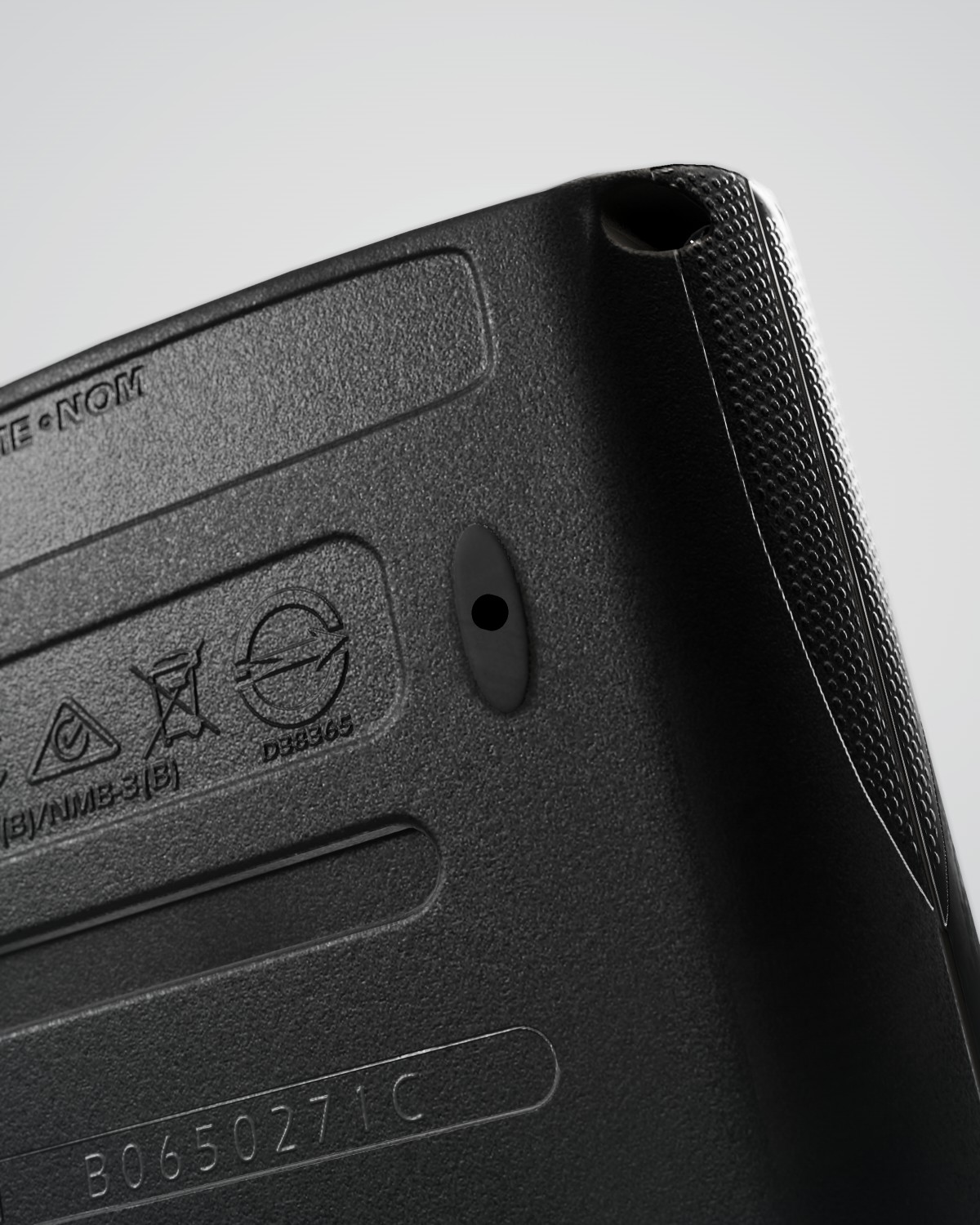
5 MP autofocus camera
Hidden under the foot.
Sharp from almost any distance and angle.
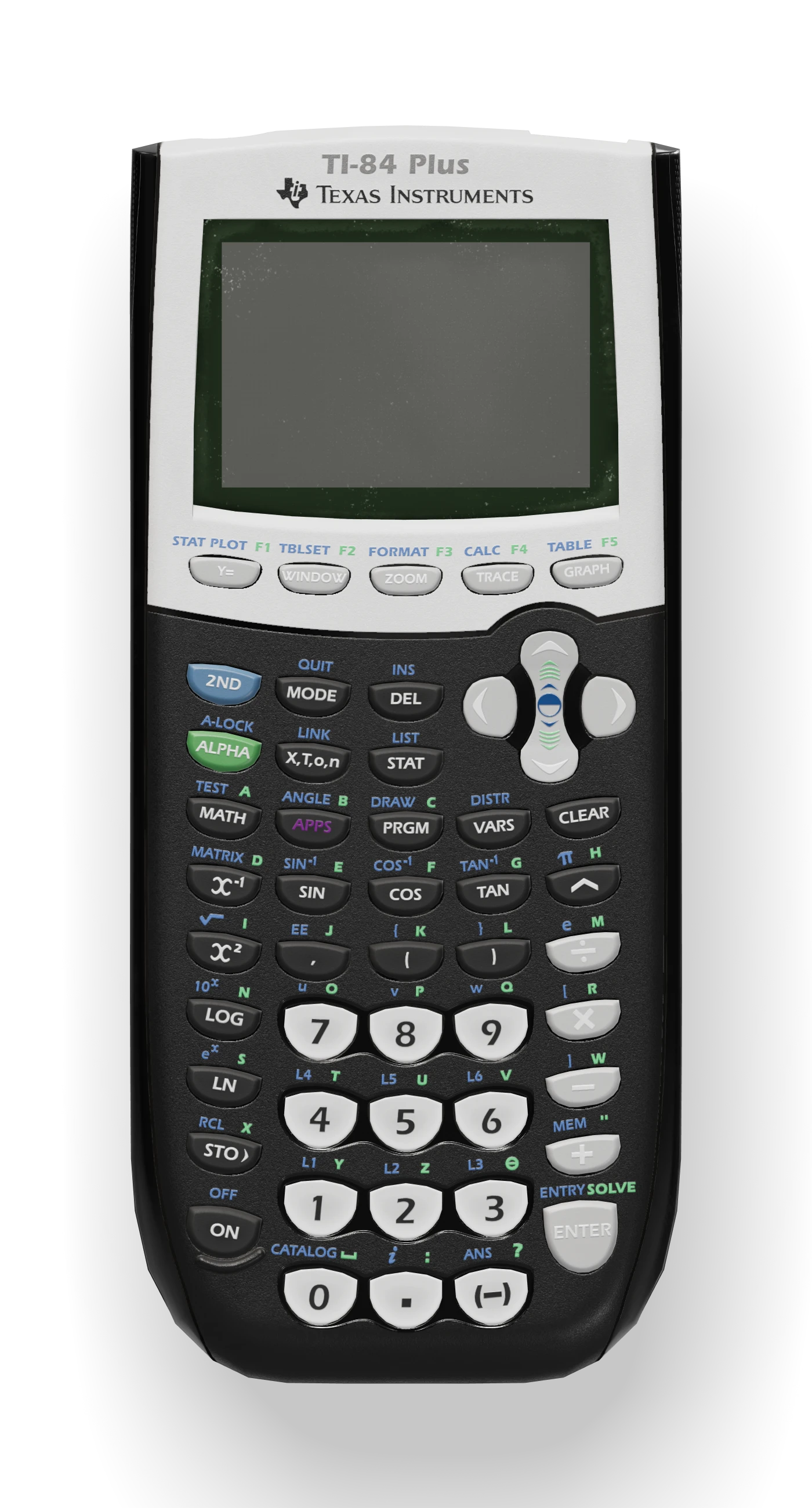
A genuine TI-84 Plus, rebuilt with a camera and AI. Point it at a problem, and the answer appears on its screen with every step.
Sharp from almost any distance and angle.
Wi-Fi or any hotspot. It asks Claude, ChatGPT or Gemini itself.
Your phone takes over the heavy lifting.
Effortless to use, with an advanced renderer for your hardest problems.
The camera hides under the tiny rubber foot in the top right corner of the back: one of the two small feet near the top, not the long foot at the bottom. Take the foot off once (it comes off and goes back on easily, and can stay off), hold CamLamp over the page, and it focuses on the problem by itself. The high-resolution autofocus camera gets a sharp shot from a wide range of distances and angles, so you don’t have to line it up just right.
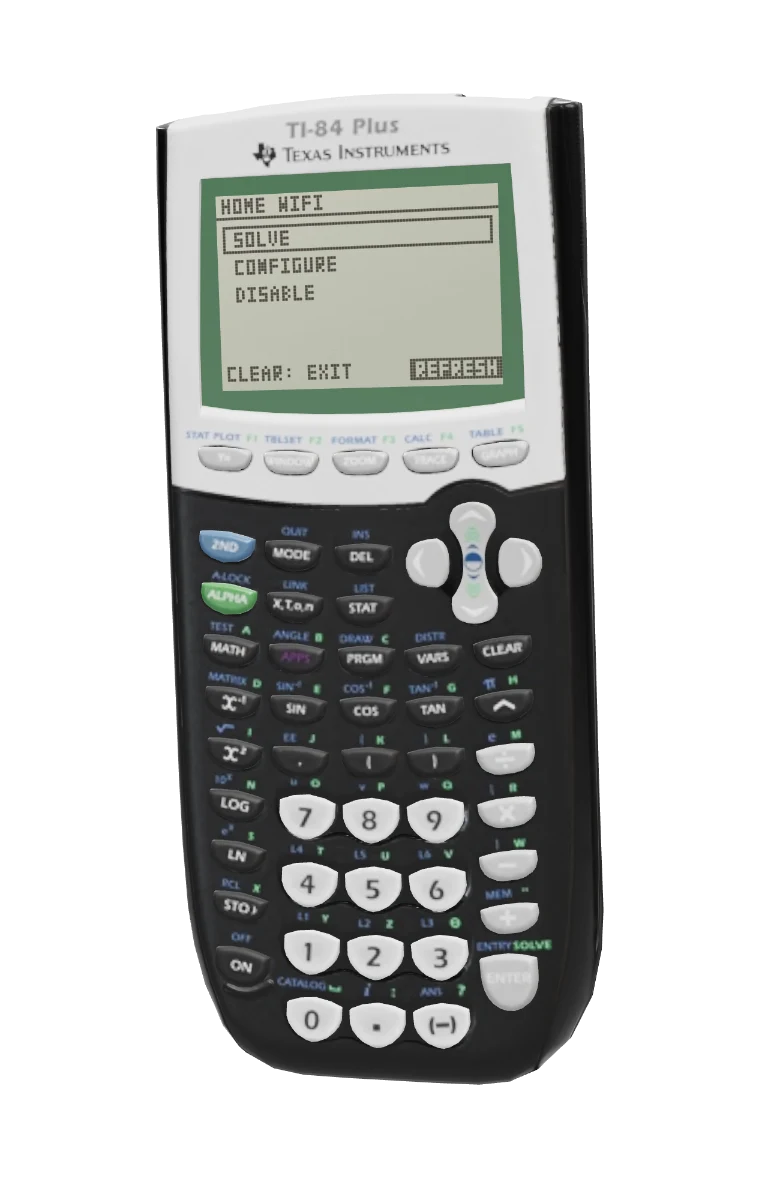
Open CamLamp from the program menu and press SOLVE. It takes the photo and asks the AI itself, or hands it to your iPhone when it’s tethered. One press. That’s it.
The answer comes first, like ANSWER: D, with the worked solution right below it, written for the calculator’s screen with fractions, roots and Greek letters. ▲ ▼ scroll through every step.
In Edge mode, CamLamp solves on its own over Wi-Fi or a hotspot, asking Claude, ChatGPT or Gemini itself. Tether it to the CamLamp iPhone app and your phone takes over the heavy lifting, for even faster answers. Your phone can stay in your pocket.
Our biggest upgrade yet. With Edge, CamLamp is a complete tool on its own, over Wi-Fi or any hotspot. Tether it to your iPhone, and it gets even faster.
On its own, CamLamp joins Wi-Fi or your phone’s hotspot and asks Claude, ChatGPT or Gemini itself. No app has to be open.
Turn on Tether in the CamLamp app. Whenever your iPhone is on the same network, CamLamp links up by itself.
Tethered, your iPhone does the heavy lifting: it prepares each photo and draws the answer, far faster than a calculator-sized chip.
CamLamp on its own: a complete tool by itself. Set it up once and it needs nothing else running.
Turn on Tether in the CamLamp app for the fastest CamLamp, with your phone doing the heavy lifting.
Set CamLamp’s networks, AI model and key from the CamLamp app or the web panel. Neither has to stay open: CamLamp remembers everything and runs on its own.
Choose CONFIGURE on CamLamp, then connect over Bluetooth.
On iPhone. Configure, tether and see every solve. We send it after you order.
On any computer, in Chrome or Edge, over Bluetooth. Nothing to install.
Three steps the first time. After that, just choose SOLVE.
Add your own API key from Anthropic, OpenAI or Google, and choose a model: the fastest, a balanced one, or the most capable. Or choose Lamp+, coming soon.
Your phone’s hotspot or a Wi-Fi network. CamLamp remembers up to 4. On iPhone, turn on Allow Others to Join and Maximize Compatibility.
Choose CONFIGURE on CamLamp, then connect from the CamLamp app or the web panel on a computer. After you order, message us for the app.
CamLamp remembers its networks and AI. Turn it on and choose SOLVE: it works on its own in Edge mode, and tethers by itself whenever your iPhone is nearby with Tether on. Your phone can stay locked in your pocket.
Use your own API key and pay your AI provider directly, or let Lamp+ take care of it. Lamp+ pricing is coming soon.
Pick a problem and press SOLVE. The answer and steps are drawn exactly the way CamLamp shows them.
Ready. Press SOLVE.
A genuine TI-84 Plus calculator, rebuilt with a camera and AI. Edge on its own, or Tether with iPhone. Plus shipping.
No. The SAT, ACT, AP exams and most classroom tests don’t allow calculators with cameras or wireless. Check your school’s and exam’s rules before using CamLamp anywhere it might not be allowed.
Edge: CamLamp now works on its own. It joins Wi-Fi or a hotspot and asks the AI itself, with no app running. Tether it to the CamLamp iPhone app for even faster answers. You can set it up from the app or from the web panel on any computer, and it updates itself over Wi-Fi.
Wi-Fi or a phone’s hotspot, Lamp+ or your own API key, and the CamLamp iPhone app or a computer with Chrome or Edge to set it up. Tether, for even faster answers, needs the iPhone app.
Edge is CamLamp working on its own. It joins Wi-Fi or any hotspot and asks Claude, ChatGPT or Gemini itself, with no phone or app running. It remembers up to 4 networks, keeps your recent solves and updates itself over Wi-Fi.
No. In Edge mode, CamLamp solves on its own over Wi-Fi or a hotspot. Tether it to the CamLamp app on your iPhone for speed: your phone does the heavy lifting, preparing each photo and drawing the answer, and a phone is far more powerful than any chip that fits inside a calculator.
A switch in the CamLamp app. With it on, CamLamp links up with your iPhone by itself whenever they’re on the same network, and solves through your phone. Edge solves sync to the app when it tethers. Turn it off and CamLamp carries on by itself in Edge mode.
Yes, in Edge mode. Set it up from the web panel on a computer, then use your Android phone’s hotspot or any Wi-Fi. Tether needs an iPhone. Questions? Contact us.
No. CamLamp works with Claude (Anthropic), ChatGPT (OpenAI) and Gemini (Google), and you choose. In the app or the web panel you pick the provider and the model: the fastest, a balanced one, or the most capable. It isn’t tied to one proprietary AI. Lamp+, coming soon, will make it even more seamless, with no API key to manage.
Yes. CamLamp is designed around the user: it’s plug and play. Put in batteries, choose CONFIGURE, and add your Wi-Fi and AI from the CamLamp app or the web panel. It takes a few minutes, once. After that it’s one button: point it at a problem and press SOLVE.
A 5 MP high-resolution autofocus camera, hidden under the tiny rubber foot in the top right corner of the back. It focuses by itself and takes sharp photos from a wide range of distances and angles.
No. Tethered, the app keeps working with your phone locked in your pocket. After your phone restarts, open the app once. In Edge mode, CamLamp doesn’t need the app at all.
Yes. CamLamp runs on 4 AAA batteries, including rechargeable NiMH AAA, which we recommend and offer when you order.
Under the tiny rubber foot in the top right corner of the back. It’s one of the two small feet near the top, not the long foot at the bottom. Take the foot off once and leave it off; you don’t need to remove it for each picture.
Not exactly. CamLamp’s 5 MP autofocus camera gets a sharp shot from a wide range of distances and angles, so you don’t need to line it up perfectly over the page.
No. Take the foot off once and leave it off: CamLamp works the same without it, picture after picture. The foot comes off and goes back on easily, so put it back whenever you want and take it off again any time.
Anything the AI model you choose can solve.
Yes. CamLamp has every function of a regular TI-84 Plus, and more only when you want it.
No. CamLamp is built on a pre-owned TI-84 Plus. Each one is cleaned and tested before we modify it, so it may show light signs of use.
No. Use your own API key and pay your provider directly, or choose Lamp+ (coming soon) if you’d rather not manage one.
It goes to the calculator over Bluetooth, which keeps it so it can ask the AI itself. The app also keeps it in your iPhone’s Keychain; the web panel doesn’t store it, and we never see it.
When there’s an update, UPDATE appears in CamLamp’s menu. Choose it and CamLamp installs it over Wi-Fi from camlamp.com. The CamLamp app can update it too.